Exhibition Stands Are Out. Experiences Are In.
Remember when exhibition stands were the centerpiece of every event? Rows of branded booths, awkward giveaways, and those flimsy roll-up banners? Not anymore. At Crufts, one of the world's largest dog shows, Tecna didn’t just put up a booth—they created an experience. And it worked.
Tecna designed an interactive “brand world” that brought people in. They had hands-on activities, live demos, and social media-friendly moments. Instead of passively waiting for attendees, they immersed them in their story.
For nonprofits, this shift is a goldmine. Why? Because building experiences doesn’t have to cost a fortune. If you’re running a community event on a tight budget, you can adapt these same principles. Let’s break it down.
What Nonprofits Can Learn from Tecna’s Approach
1. Stop Overinvesting in Stands
Exhibition stands are expensive. The design, printing, setup—it all adds up. And for what? A static display most people walk past.
Instead, focus on creating engagement. At Crufts, Tecna’s interactive space included DIY activities (low cost) and live Q&A sessions (free). For a nonprofit, this could mean:
- Hosting a hands-on workshop at your booth. For example, a sustainability nonprofit could teach attendees how to upcycle household items.
- Setting up a photo booth with props tied to your cause. Imagine a pet adoption group with a “doggy selfie station” complete with costumes.
- Creating a mini scavenger hunt around the event. A health nonprofit could guide attendees to learn quick wellness tips at different stations.
Concrete example: Habitat for Humanity once held an interactive event where attendees helped build a small structure on-site. This hands-on activity not only drew crowds but reinforced the organization’s mission.
Actionable Steps:
- Brainstorm low-cost, high-impact activities tied to your nonprofit’s mission.
- Use volunteers to staff interactive stations and engage attendees.
- Skip expensive banners—invest in reusable props and signage.
2. Make It Easy to Participate
Many nonprofits struggle with managing RSVPs or tracking attendance. I’ve seen groups waste hours juggling spreadsheets and email chains. It’s chaos.
This is where tools like CommunityTix shine. With RSVP tracking and ticketing in one place, you can focus on creating a seamless experience. No more guessing who’s showing up or overselling your venue.
For example, if you’re running a free workshop at a festival, CommunityTix lets you cap RSVPs while keeping a waitlist. You’ll know exactly how many supplies to bring, saving both money and stress.
Case Study: Local Gardening Workshop
A community gardening nonprofit used CommunityTix to set attendance limits for their free “Plant Your Own Herb Garden” workshop. The tool allowed them to track RSVPs, send reminders, and manage overflow requests. The result? A full event with zero wasted resources.
Actionable Steps:
- Use RSVP tools to avoid overbooking and under-preparing.
- Send automated reminders to reduce no-shows.
- Offer waitlists to make attendees feel included even if your event is at capacity.
The Power of Flexible Pricing
3. Don’t Assume Everyone Can Pay the Same
One of Tecna’s smartest moves was making their experience accessible. No VIP-only zones or expensive add-ons. Nonprofits can borrow this playbook with the right ticketing strategy.
CommunityTix offers a “Pay What You Can” feature. It’s perfect for equity-focused events like cultural festivals or community fundraisers. You set up to three suggested price points, and attendees choose what they can afford. This way, everyone gets to participate, and you still raise funds.
Real-World Example: Community Theater Night
A local arts group used PWYC pricing for a community theater night. They listed ticket options at $10, $20, or $30, with the option to pay more. Nearly 40% of attendees opted to pay above the suggested price. The result? More revenue than if they’d charged a flat $15.
Actionable Steps:
- Implement PWYC pricing for events with broad community appeal.
- Use transparent messaging: explain how higher contributions support accessibility for others.
- Analyze payment data post-event to refine pricing strategies.
Build Your Own “Brand World”
4. Create a Centralized Hub
Tecna’s “brand world” worked because it was cohesive. Everything—messaging, design, and interaction—felt unified. Nonprofits can replicate this with a branded online presence.
Here’s where CommunityTix can help again. Every organization gets its own subdomain (e.g., yourgroup.communitytix.org) with event listings, a blog, and a homepage to tell your story. It’s all mobile-responsive and ready to go.
Example: Animal Rescue Group
A local animal rescue group used their CommunityTix subdomain to list upcoming adoption events, blog about success stories, and offer fundraising opportunities. Visitors felt connected to the cause and appreciated the ease of accessing all information in one place.
Actionable Steps:
- Create a cohesive online presence with branded visuals and messaging.
- Use your site to share event details, mission updates, and donation links.
- Ensure your site is mobile-friendly for on-the-go users.
Comparison Table: Exhibition Stand vs. Experience-Based Event
| Feature | Traditional Booth | Experience-Based Event |
|---|---|---|
| Cost | High (design, printing) | Flexible, scalable |
| Engagement | Passive | Active |
| Memorability | Low | High |
| Social Media Sharing | Minimal | High |
| Adaptability for Budget | Limited | Highly adaptable |
Final Thoughts: Experiences Are the Future
Tecna’s success at Crufts isn’t just about good branding—it’s about understanding what today’s audiences want. People crave connection, interaction, and meaning. The same goes for nonprofits. If you’re still clinging to static exhibition stands, it’s time to rethink.
Start small. A hands-on activity, a photo moment, or a flexible ticketing option can go a long way toward engaging your community. And with tools like CommunityTix, you can manage it all without breaking your budget.
Ready to build your next great event? Get started free →
FAQ
Q: How do we fund interactive elements on a tight budget?
A: Look for in-kind sponsorships. Local businesses often love to donate materials or services in exchange for visibility. Also, consider DIY options—like custom photo props or simple games—that don’t require a big budget.
Q: What’s the biggest benefit of using a tool like CommunityTix?
A: It saves time and keeps everything in one place. No more juggling spreadsheets, emails, and separate tools for ticketing, RSVPs, and member management. Plus, with zero platform fees, every dollar stays with your nonprofit.
Q: How do we get people involved without spending on advertising?
A: Leverage social media and your existing network. Encourage attendees to share their experiences online using a branded hashtag. Word-of-mouth marketing at events like these is often more effective than paid ads.
Q: What’s the best way to use Pay What You Can pricing?
A: Offer 2–3 suggested price points and an option to pay more. Be transparent about why you’re using this model—e.g., “Your contribution helps make this event accessible to everyone.”
Q: Can CommunityTix handle cash payments at the event?
A: Yes. You can record cash transactions and card-at-door payments directly in the platform. This keeps your records clean and makes reconciliation easy.
Suggested Image Prompt
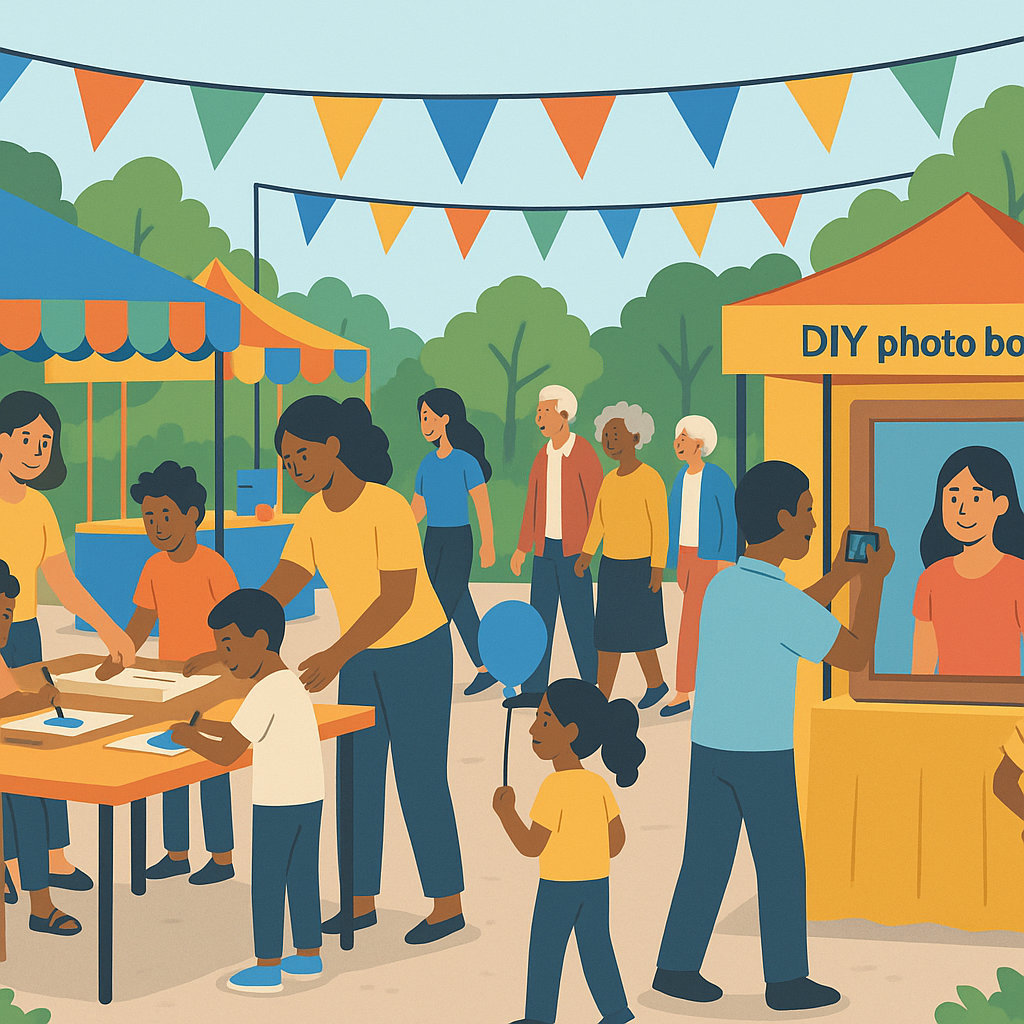
"A vibrant community event setup with interactive booths, hands-on activities, and attendees engaging. Include diverse age groups and cultures, set in an outdoor festival-like atmosphere. Highlight colorful banners and a DIY photo booth station."
"If you're dealing with event planning headaches, CommunityTix can help. Get started free →"