Accessibility in Community Events: Why It Matters
Accessibility isn’t just a checkbox. It’s a commitment to inclusion. Dr. Shani Dhanda, an advocate for disability inclusion, often highlights the barriers faced by people with disabilities when attending events. From inaccessible ticketing systems to venues that lack basic accommodations, these barriers can exclude entire groups of people. For community organizations, this is a problem—especially when your mission is to bring people together.
The good news? Accessibility doesn’t have to break the bank. It starts with a mindset shift: designing events for everyone, not just the majority. Let’s break down some practical steps inspired by Dr. Dhanda’s work and show how tools like CommunityTix can help.
Step 1: Flexible Pricing for Equity
One of Dr. Dhanda's key principles is equity. She’s spoken about the financial barriers that disproportionately affect disabled attendees, who often face higher living costs. Traditional event platforms typically assume fixed pricing, which can exclude people who can't afford the standard rate.
Why Flexible Pricing Works
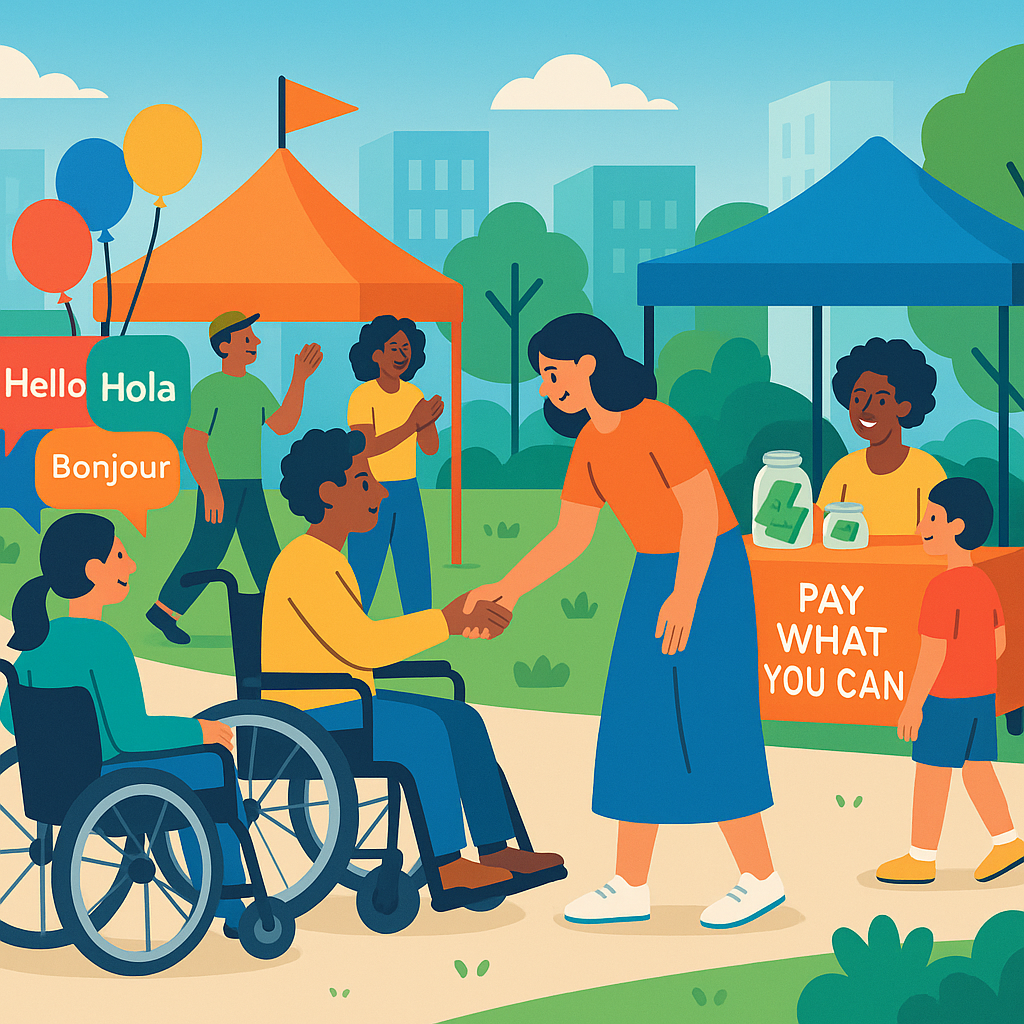
Flexible pricing models, like Pay What You Can (PWYC), allow attendees to contribute based on their ability. This approach removes financial barriers while maintaining the dignity of choice. For example, you could set three suggested price points—say $5, $15, and $25—and include a custom amount option where attendees decide what they can pay. This model has been shown to increase participation, especially in events like cultural festivals, charity fundraisers, and community workshops.
How to Implement PWYC
Platforms like CommunityTix make PWYC easy to set up. With just a few clicks, you can define price points and let attendees select the option that fits their budget. CommunityTix also tracks payments automatically, so you can ensure transparency without extra administrative burden.
Tips for Success:
- Communicate Clearly: Be transparent about why you're using PWYC. Let people know their contributions support the event’s inclusivity.
- Track Trends: Use your platform's analytics to monitor payment patterns and adjust your suggested price points for future events.
- Encourage Donations: If your event is free, include an optional donation field to give attendees the opportunity to support your cause.
Step 2: Multilingual Event Materials
Accessibility isn’t just about physical barriers—it’s about communication, too. Imagine hosting an event in a multicultural community where attendees speak multiple languages. If your materials are only in English, you’re unintentionally alienating a portion of your audience.
Tools for Multilingual Accessibility
CommunityTix supports multilingual fonts like Noto Sans, which cover Latin, Bengali, Devanagari, and CJK scripts. This means your flyers, tickets, and website can reflect the linguistic diversity of your audience. Pair this with translated event descriptions and signage to create a welcoming environment for everyone.
Key Steps:
- Identify Key Languages: Research the primary languages spoken in your community. Local census data or community leaders can provide insights.
- Use Professional Translation Services: While tools like Google Translate can work for basic needs, professional translation ensures accuracy and cultural sensitivity.
- Create Consistent Branding: Ensure translations align with your event’s tone and branding to maintain a cohesive message.
Bonus Tip:
Don’t forget to translate digital content, including email confirmations and social media posts. Consistency across all communication channels is key.
Step 3: Physical Accessibility at the Venue
Dr. Dhanda often emphasizes the importance of venue layout. Wheelchair access, clear signage, and accessible seating should be non-negotiable. Despite this, many community events overlook these basics, leaving attendees frustrated or unable to participate.
Conducting a Venue Accessibility Audit
Start with a walkthrough of the venue. Here are the essentials to check:
- Entrances: Are there ramps or elevators for wheelchair users? Are entrances wide enough for mobility aids?
- Restrooms: Are there accessible toilets with adequate space for wheelchairs?
- Seating: Is there designated accessible seating with clear sightlines?
- Signage: Are signs clear, easy to read, and positioned at an appropriate height?
Leverage Event Listings
If you’re using CommunityTix, you can specify accessibility features directly in your event listing. Letting attendees know upfront whether the venue meets their needs builds trust and reduces uncertainty.
Additional Tips:
- Train Your Volunteers: Ensure they’re familiar with the venue’s layout and know how to assist attendees with disabilities.
- Offer Accessibility Maps: Provide digital or printed maps highlighting accessible entrances, restrooms, and seating.
Step 4: Simplify Ticketing for All
Online ticketing platforms often create barriers for disabled users. Complicated forms, CAPTCHA tests, and poor mobile design can make purchasing tickets a frustrating experience.
Streamlined Ticketing Systems
CommunityTix offers a user-friendly checkout process designed with accessibility in mind. Here’s why it works:
- Mobile-Responsive: The platform adapts seamlessly to smartphones and tablets, ensuring a smooth booking experience.
- Screen Reader Compatibility: CommunityTix supports screen readers, making the platform usable for visually impaired attendees.
- Integrated Payments: Secure payment options like PayPal simplify transactions for everyone.
Onsite Ticketing Support
For events with onsite sales, CommunityTix allows you to track cash or card payments without needing a separate system. This flexibility ensures no attendee is turned away due to technical limitations.
Step 5: Include RSVP Tracking
Accessibility isn’t just about who shows up—it’s about planning for who might. RSVP tracking helps event organizers anticipate specific needs and avoid overcrowding.
Benefits of RSVP Tracking
- Capacity Management: Monitor guest counts in real-time to ensure adequate space for mobility aids like wheelchairs.
- Accessibility Requests: Include fields in your RSVP form where attendees can specify accommodations, such as sign language interpreters or dietary restrictions.
- Automated Confirmations: Platforms like CommunityTix send instant confirmation emails, reducing back-and-forth communication.
Pro Tip:
Use RSVP data to improve future events. For example, if you notice a high demand for certain accommodations, make them a permanent feature.
Common Mistakes to Avoid
- Skipping Venue Audits: Don’t assume the venue is accessible—verify it.
- Ignoring Digital Accessibility: Ensure your website and ticketing platform work with screen readers.
- Setting One-Size-Fits-All Pricing: Use PWYC to accommodate financial diversity.
- Failing to Communicate Features: List accessibility details in your event description.
- Overcomplicating Ticketing: Keep the process simple and mobile-friendly.
FAQ
Q: Is PWYC pricing sustainable for small events?
Absolutely. Most attendees will pay the suggested amounts, balancing out lower contributions. CommunityTix tracks everything, so you won’t lose visibility.
Q: How do I translate event materials?
Use tools like Google Translate for basic translations and partner with local community members for accuracy. CommunityTix’s multilingual font support makes this easy.
Q: What physical accessibility features should I prioritize?
Focus on ramps, elevators, accessible seating, and toilets. Clear signage is also essential.
Q: Can CommunityTix handle hybrid events?
Yes. You can manage both in-person and virtual attendees from one dashboard.
Q: How do I train volunteers on accessibility?
Start with basics: how to assist wheelchair users, communicate with deaf attendees, and navigate the venue’s accessibility features.
Final Thoughts
Dr. Dhanda’s insights remind us that accessibility isn’t optional—it’s essential. Whether it’s flexible pricing, multilingual materials, or venue audits, small changes can make a big difference. Tools like CommunityTix simplify the logistics, allowing you to focus on creating inclusive experiences.
If you're ready to make your events more accessible, CommunityTix can help →. Try it free for 30 days—no credit card required.