Instagram Reels Are Changing Event Promotion
I used to think promoting community events on Instagram was all about posting flyers and tagging a few people. Throw in some hashtags, maybe share a story or two, and call it a day. It worked—sort of. But it didn’t really drive ticket sales or RSVPs.
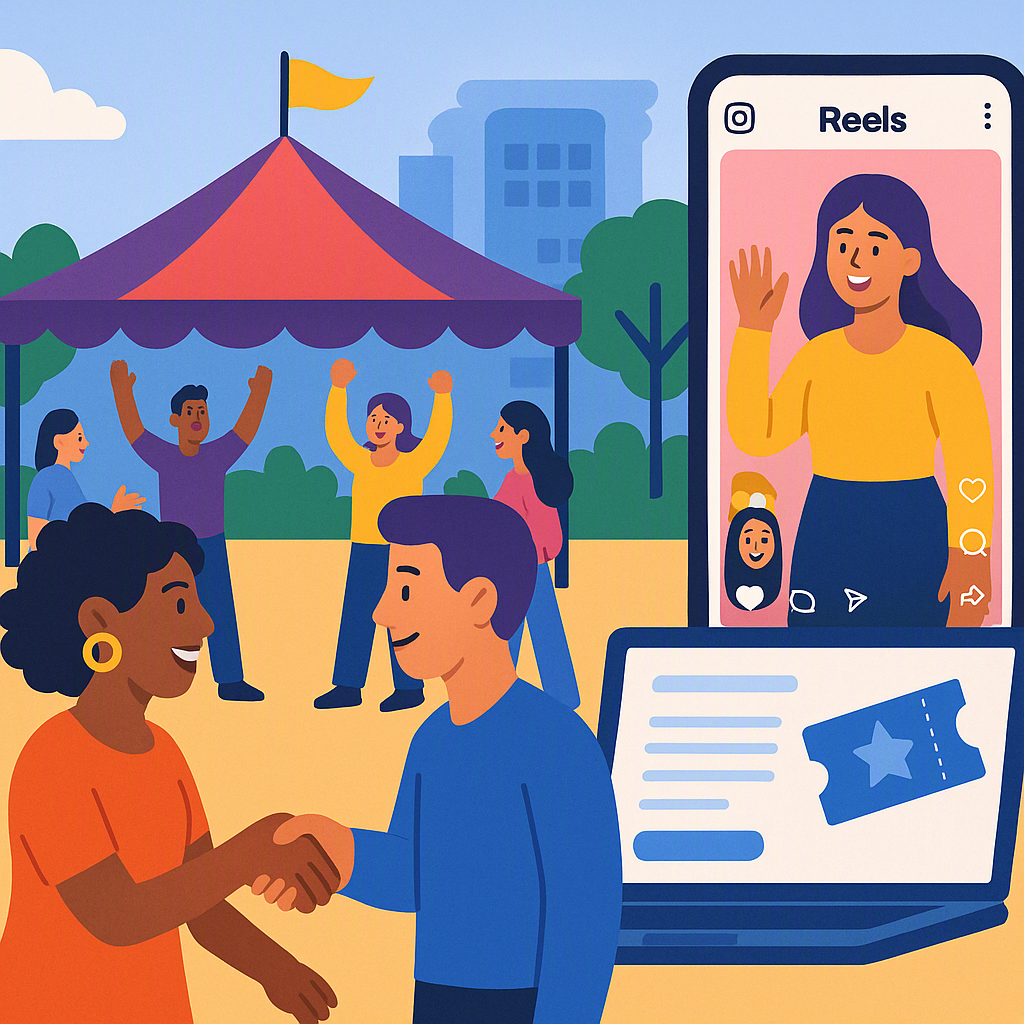
Then something changed. In 2025, I noticed how Instagram pushed Reels harder than anything else. Posts were getting buried, while Reels were racking up views overnight. According to HubSpot, accounts that regularly post Reels see 22% more engagement than those that stick to static posts. That’s not just a trend—it’s a shift in how audiences interact with social media.
So I started experimenting. And I quickly learned that a well-crafted Reel can do more than grab attention—it can actually convert viewers into attendees. But it’s not just about flashy edits or trendy music. It’s about using Reels strategically to tell your event’s story, engage your audience, and drive action.
Here are 10 creative ideas to get your Reels working for your event, plus a practical tip on how tools like CommunityTix can simplify your setup.
1. Behind-the-Scenes Prep
Show the chaos before the calm. People love watching the effort that goes into an event. Record your volunteers setting up chairs, decorating, or rehearsing. Add captions like “Getting ready for the big day!” with upbeat music to match the vibe.
How to do it: Use your phone to capture candid moments, then edit the clips into a 15-30 second Reel. Pair it with trending audio that feels energetic or inspiring. Add text overlays to give context to what’s happening.
Why it works: Audiences feel more connected to the event when they see the human side of it. It creates an emotional connection, making them feel like they’re part of the journey.
2. Quick Interviews with Organisers
Grab your phone and ask your team one question: “Why should someone come to this event?” Keep it short and snappy—15 seconds max. Pair their answers with clips of the venue or past events.
Pro tip: Use subtitles on your Reels. Many users watch videos on mute, so adding captions ensures your message isn’t lost.
Why it works: It’s personal and builds trust. People want to know who’s behind the scenes, and hearing directly from organisers adds credibility and warmth.
3. Countdown Timers
Use a Reel to count down the days until your event. Overlay text like “3 days to go!” and show teasers—maybe setting up the lighting, unpacking supplies, or highlighting a key feature of the event.
Step-by-step:
- Record a short clip each day leading up to the event.
- Use Instagram’s text tool to add countdown numbers (e.g., "3 Days to Go!").
- Pair it with upbeat or suspenseful music to build anticipation.
Why it works: It keeps your event top-of-mind for your audience and creates excitement as the date approaches. People are more likely to act when they feel a sense of urgency.
4. Highlight Past Events
If this isn’t your first rodeo, show clips or photos from previous events. Add captions like “You don’t want to miss this year’s [Event Name]!” and sprinkle in testimonials from attendees if you have them.
How to enhance this: Use a mix of wide shots (e.g., the audience, venue) and close-ups (e.g., people smiling, performers). Add a voiceover or text overlay to explain what’s happening in each scene.
Why it works: FOMO (fear of missing out) is real. If people see others having a great time, they’ll want to join in this time around.
5. Showcase Your Tickets
Here’s a tip I learned while working with CommunityTix: showing people how easy it is to buy tickets actually drives sales. Record a quick Reel walking through the ticket page on your branded website. Highlight features like Pay What You Can pricing (if you’re using it).
How to do it:
- Open your ticketing page and screen record the process.
- Narrate the steps or add text overlays to explain.
- End with a call-to-action (e.g., "Get your tickets now—link in bio!").
Why it works: It eliminates barriers. People see how simple it is to book, which reduces hesitation and increases conversions.
6. Spotlight Your Community
Record short clips of local artists, performers, or speakers who’ll be at the event. Let them talk about what they’ll bring to the table. Pair their soundbites with text like “Featuring [Name] at [Event Name]!”
Extra tip: Tag the featured individuals or groups in your Reel. This not only gives them recognition but also encourages them to share the Reel with their own followers.
Why it works: It amplifies local voices and creates a connection. People are more likely to attend events that support their community.
7. Teaser Challenges
Host a mini challenge leading up to the event. For example, if it’s a cultural event, ask followers to post a Reel showing their favorite dish or outfit from that culture. Share their submissions in your own Reels.
How to execute: Create a hashtag for the challenge and include it in your caption. Announce the challenge with a Reel explaining the rules and deadline.
Why it works: It turns promotion into engagement. People love participating, and user-generated content helps spread the word organically.
8. Venue Walkthroughs
Show off your venue with a quick walkthrough. Highlight key areas like the entrance, seating, or stage. Add captions like “Here’s where the magic happens!”
Pro tip: Use stabilizers or your phone’s built-in stabilizer mode for a smoother video. Pair with soft background music for a polished look.
Why it works: It helps people visualize the experience. When they can see where they’ll be, it reduces uncertainty and makes them more likely to attend.
9. Live Polls or Q&A
Post a Reel with a question: “What’s your favorite part of [Event Name]? Let us know in the comments!” Engage with their answers in follow-up Reels.
Why it works: Instagram’s algorithm loves comments, and so will your audience. It creates a direct line of communication between you and potential attendees.
10. Thank You Reel
After the event, post a Reel thanking everyone who came. Show clips from the day, and add captions like “We couldn’t have done it without you!”
How to make it special: Include highlights from the event and tag attendees (if appropriate). Use heartfelt music to evoke emotion.
Why it works: It wraps up the experience and keeps your community engaged for the next event.
How CommunityTix Makes It Easier
Here’s where things get practical: managing RSVPs, ticket sales, and member communication can be chaos without the right tools. CommunityTix simplifies this with branded websites that include event listings, RSVP tracking, and member management—all in one place.
For example, if you’re showcasing your ticketing process in a Reel (Idea #5), having a professional-looking ticket page makes a huge difference. With CommunityTix, each organisation gets its own subdomain with secure PayPal integration. It’s clean, it’s simple, and it gives your event the credibility it deserves.
Want to see it in action? Try the live demo here.
FAQ
Q: Do I need fancy editing software for Instagram Reels?
A: No. Apps like VN or CapCut are free and easy to use. Instagram’s built-in editor works too.
Q: How often should I post Reels before an event?
A: Start posting 2-3 weeks in advance. Aim for 2-3 Reels per week, gradually increasing frequency as the event approaches.
Q: What if I don’t have a big team to create content?
A: Focus on quick, authentic clips. Your audience cares more about sincerity than polish. Leverage user-generated content when possible.
Q: Can I use the same Reel ideas for other platforms?
A: Absolutely. Reels work well on Facebook and TikTok too. Just adjust the captions to fit the platform.
Q: What’s the best length for a Reel?
A: Keep it short and engaging—15 to 30 seconds is ideal for most audiences.
Call to Action
If you’re tired of juggling spreadsheets and platforms to manage your events, CommunityTix can help. Get started free today →