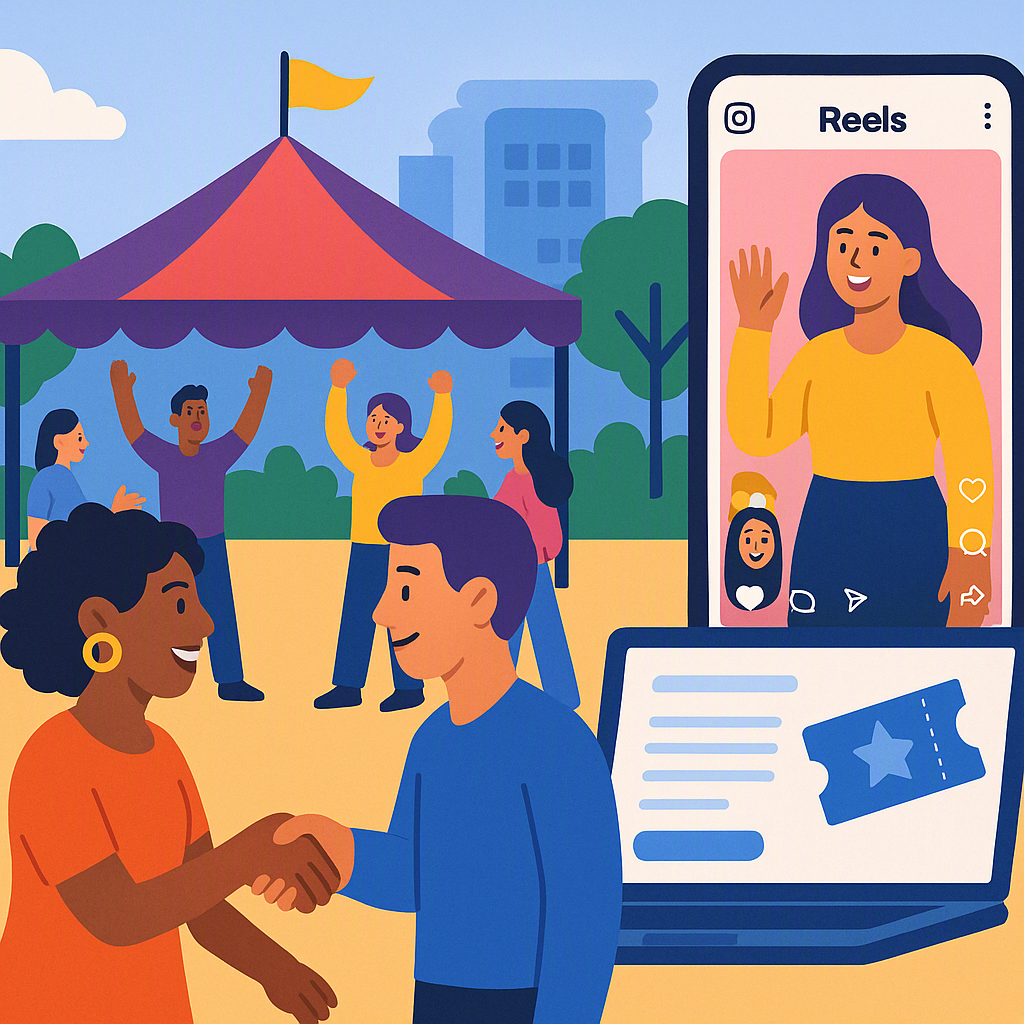
9 Event Promotion Ideas for Small Community Groups That Actually Work
Promoting a community event shouldn’t feel like shouting into the void. But if you’ve ever hosted one, you know the struggle: low turnout, wasted effort, and the nagging question, what went wrong? Small community groups face unique challenges—limited budgets, volunteer teams, and audiences that don’t always hang out online. Here’s what actually works, based on real-world experience.
1. Leverage Your Existing Members
Your members are your best ambassadors. Encourage them to share the event with their networks. A personal invite is far more effective than a generic post. People are more likely to respond to someone they know personally rather than a faceless group or flyer.
Actionable Steps:
- Create a Share Kit: Provide pre-written messages, images, and links that members can easily share on social media or via email. The easier you make it, the more likely they are to help.
- Offer Incentives: Consider offering small perks, like free tickets or reserved seating, for members who bring the most guests.
- Track Sharing Efforts: Use tools like CommunityTix to track RSVPs and identify which members are driving the most sign-ups. This data can help you reward top sharers and refine your approach for future events.
Comparison:
| Method | Effort Level | Effectiveness |
|---|---|---|
| Generic Social Media Posts | Low | Moderate |
| Personal Invitations | Medium | High |
| Share Kits & Incentives | High | Very High |
2. Create a Pay What You Can Pricing Option
Sometimes fixed ticket prices scare people off, especially in tight-knit communities where income levels vary. Pay What You Can (PWYC) pricing is a great alternative. It lets attendees choose what they can afford while still contributing.
How to Implement PWYC Pricing:
- Set Suggested Amounts: Platforms like CommunityTix let you display up to three suggested amounts (e.g., $5, $10, $20) alongside a custom input field for donations. This encourages generosity without pressuring anyone.
- Be Transparent: Clearly communicate what the funds will support. For example, explain that ticket sales help cover venue costs or fund future events.
- Test and Adjust: After the event, review the data to see which pricing tier attendees chose most often. Use this insight to refine your suggested amounts for future events.
Pro Tip: PWYC pricing works best when paired with a compelling story. Share why the event is important and how contributions make a difference.
3. Partner with Local Businesses
Local businesses love supporting community initiatives—they just don’t know how. Ask them to sponsor your event in exchange for logo placement on flyers or a shoutout on social media.
How to Approach Local Businesses:
- Identify Businesses That Align with Your Event: For instance, a local bakery might want to sponsor a community picnic, while a fitness studio might be interested in a charity run.
- Offer Tiered Sponsorship Packages: Create options for businesses with different budgets. For example:
- Bronze: $50 for a social media shoutout
- Silver: $100 for logo placement on flyers
- Gold: $200 for a speaking opportunity at the event
- Highlight Their ROI: Emphasize how your event connects them with a targeted local audience.
Bonus Tip: Small businesses may prefer in-kind donations over cash. For example, a local coffee shop might provide free drinks for event attendees in exchange for promotion.
4. Use Your Event Page as a Mini Website
Here’s a mistake I see all the time: groups post a vague flyer on Facebook and call it a day. Don’t do that. Create a detailed event page instead.
What to Include on Your Event Page:
- Event Details: Date, time, location, and a clear description of what attendees can expect.
- Call-to-Action Buttons: Make it easy for people to RSVP, buy tickets, or volunteer with prominent buttons.
- Multimedia: Add photos, videos, or even testimonials from past events to build excitement.
- FAQs: Address common questions like parking, accessibility, and ticket refunds upfront.
Platforms like CommunityTix provide a branded subdomain (e.g., yourgroup.communitytix.org), making your event page look polished and professional.
5. Tap Social Media—But Be Strategic
Posting on social media works, but only if you’re consistent. Use visuals—short videos, countdown graphics, or behind-the-scenes photos. And don’t rely solely on your own page; ask members to share it in local groups or tag their friends.
Advanced Techniques:
- Use Tools Like Canva: Create professional-looking graphics and posts without hiring a designer.
- Leverage Facebook Events: These are shareable, easy to track, and automatically remind people who RSVP.
- Experiment with Paid Promotions: Even $10 can go a long way if you target the right audience.
- Hashtags: Create an event-specific hashtag to make it easy for attendees to share their excitement.
6. Offer Early Bird Discounts
Everyone loves a deal. Offer discounted pricing for the first 20 tickets or those who RSVP early. It creates urgency and rewards people for committing upfront.
How to Set Up Early Bird Discounts:
- Choose Your Discount Wisely: Too small, and it won’t motivate anyone. Too big, and you’ll lose revenue. A 10–20% discount usually works well.
- Promote the Deadline: Use countdown timers or “Only X Tickets Left!” messages to drive urgency.
- Combine with Social Media: Announce early bird deals in your posts to maximize visibility.
7. Host a Pre-Event “Teaser” Activity
Build excitement by hosting a small lead-up activity, like a free online Q&A with the speaker or a workshop preview. This gets people talking and invested before the main event.
Ideas for Teaser Activities:
- Live Streams: Interview a guest speaker or showcase behind-the-scenes prep.
- Mini Contests: Offer a free ticket to someone who shares your event the most.
- Social Media Challenges: Encourage followers to post photos or videos related to your event’s theme.
8. Send Targeted Emails (Not Spam)
Email isn’t dead—it’s just misused. Send concise, targeted emails to your member list. Mention why the event matters and include a clear call-to-action (e.g., “Reserve your spot now”).
Email Best Practices:
- Segment Your List: Use categories like past attendees, volunteers, and sponsors to send tailored messages.
- Use Engaging Subject Lines: Examples include “Don’t Miss Out: Early Bird Tickets End Soon!” or “You’re Invited to [Event Name].”
- Include Social Proof: Mention how many people have already RSVP’d or highlight notable guests.
9. Track What Works and Adjust
This one’s easy to overlook. After the event, analyze what worked and what didn’t. Which promotion channels drove the most RSVPs? Did PWYC pricing increase accessibility?
Metrics to Track:
- Attendance vs. RSVPs: Did everyone who RSVP’d show up?
- Engagement Rates: Which emails or social posts drove the most clicks?
- Revenue Breakdown: How much came from PWYC tickets, donations, or sponsorships?
Platforms like CommunityTix offer dashboards with stats on ticket sales, RSVPs, and revenue. Use this data to refine your strategy for next time.
FAQs
Q: What if we don’t have a big social media following? A: Start small. Engage your existing members and ask them to share the event. Partnering with local businesses can also expand your reach.
Q: How do we decide suggested amounts for PWYC pricing? A: Look at past events or ask attendees what they’d feel comfortable paying. CommunityTix lets you test different amounts to see what works.
Q: How do we handle on-site payments? A: Use a tool that tracks cash collections and card-at-door transactions. CommunityTix has built-in features for this, so everything stays organized.
Q: How can we encourage sponsors to support us again next year? A: Share a post-event report highlighting the benefits they received, such as audience reach or attendee feedback. Build a relationship by thanking them publicly and checking in periodically.
Q: What’s the best way to handle no-shows? A: Overbook slightly to account for drop-offs, or offer a virtual ticket option for those who can’t attend in person.
If you’re a small community group looking to simplify event promotion and ticketing, CommunityTix can help. Keep 100% of your revenue, track RSVPs, and get the tools you need to manage events like a pro.
Want more ideas? Check out our blog for tips on running impactful events without breaking the bank.