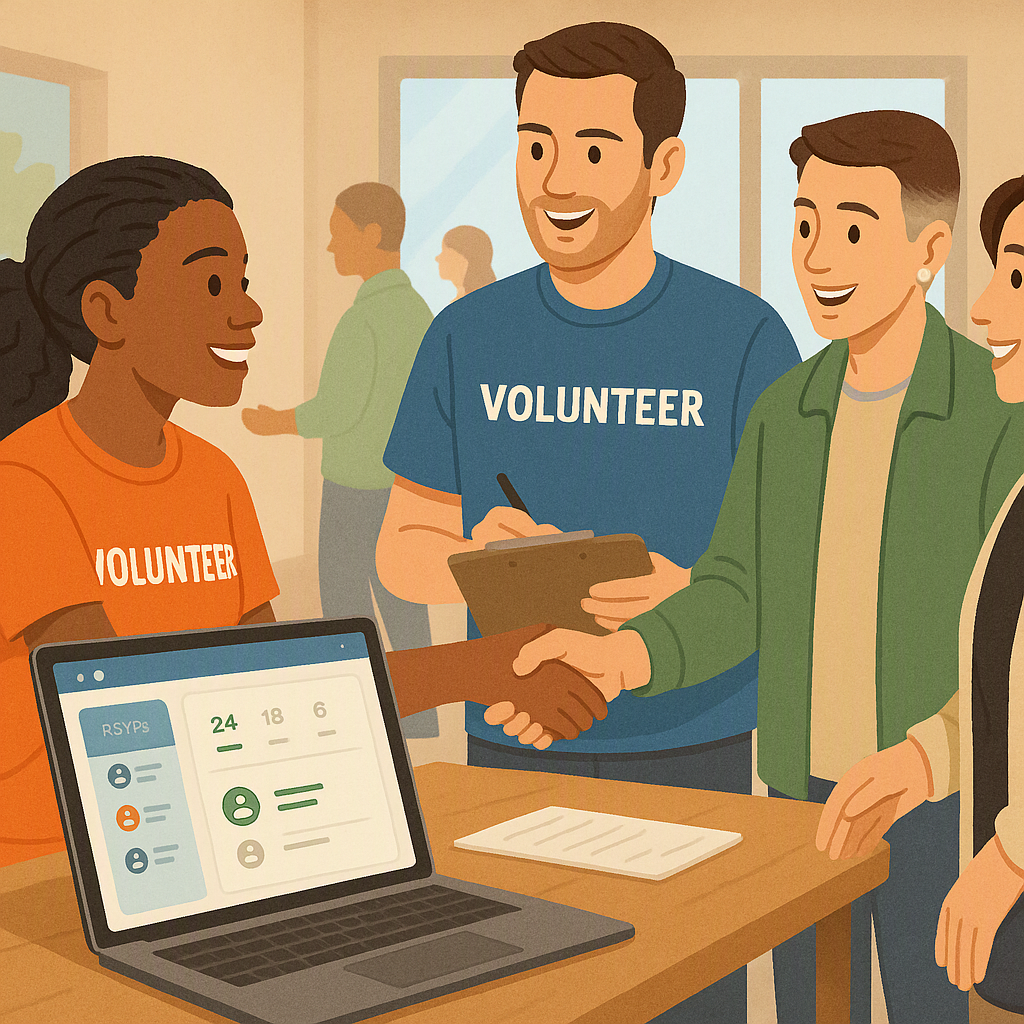
Rethinking Volunteer-Driven Event Management
Back when I ran community events, I had this belief: volunteers are unreliable. They’re not professionals, they’re juggling other commitments, and they make mistakes. For years, I thought the chaos at events—missing RSVPs, double-booked tickets, cash payments that didn’t reconcile—was just part of the deal when you rely on unpaid help.
I wasn’t alone in this. A lot of community organizations share the same frustration. You’d see it in every post-event meeting: “We need more training.” “We need better volunteers.” But no one stopped to ask if the tools we were using were part of the problem.
The Turning Point
The realization came when I started examining the systems we used. Many organizations rely on fragmented tools—one for ticketing, another for newsletters, and yet another for tracking donors. This creates inefficiencies and increases the likelihood of mistakes. For example, reconciling attendance, donations, and follow-up emails often takes significant time and effort, leading to errors like duplicate communications or missed outreach.
Why Fragmented Tools Fail
Let’s break this down further. When an organization uses separate tools for each aspect of event management:
- Data Silos Form: Volunteer teams must manually transfer information from one tool to another. This not only wastes time but also increases the risk of errors.
- Duplicate Work: Volunteers may accidentally send the same email twice or fail to send a confirmation because they forgot to check multiple systems.
- Delayed Reactions: If an attendee updates their RSVP or makes a payment, the information may not sync across platforms, leaving volunteers scrambling to make corrections.
The Ripple Effect of Fragmentation
Fragmented tools don’t just create inefficiencies—they actively undermine the success of events. For example, when data silos form:
- Attendee Experience Suffers: They may receive incorrect information or feel ignored when their updates aren’t reflected.
- Volunteers Lose Confidence: Constant mistakes lead to frustration, making volunteers less likely to return for future events.
- Event Reputation Takes a Hit: If attendees experience disorganization, they’re less likely to participate in future events, impacting long-term engagement.
Illustrative example — Imagine a nonprofit hosting a gala with 300 attendees. Using separate tools for ticketing, RSVPs, and donor tracking means volunteers must manually cross-reference data from multiple sources. This process can take hours and is prone to errors. By switching to a centralized platform, all data is integrated, reducing the time spent on administrative tasks and improving accuracy.
Why Volunteers Are Often Blamed
It’s easy to blame volunteers when things go wrong. They’re the ones checking people in, sending follow-up emails, and reconciling payments. If something gets missed, they’re the last link in the chain, so they take the heat.
But here’s the truth: it’s not their fault. Volunteers aren’t failing because they’re unskilled; they’re failing because we’re asking them to work with broken systems. Imagine giving someone three different apps, each with a separate login, and expecting them to manage a large event smoothly. It’s a recipe for disaster.
The Hidden Cost of Blaming Volunteers
Blaming volunteers doesn’t just hurt morale; it’s counterproductive. Here’s why:
- Burnout: Volunteers who feel undervalued or blamed for system failures are less likely to return.
- Turnover: High volunteer turnover means organizations spend more time recruiting and training new people, creating a vicious cycle.
- Missed Opportunities: Volunteers who are bogged down by administrative tasks have less time to focus on engaging attendees and building relationships.
Why Organizations Stick to Fragmented Tools
The fragmented tools were a crutch. Many organizations stick with them because they’re familiar, even if they aren’t effective. Platforms designed for general use, like Eventbrite or Mailchimp, may seem professional but often fall short for nonprofits juggling limited budgets and volunteer teams. Familiarity often outweighs functionality, but this mindset ultimately costs organizations more in the long run.
The Benefits of Centralized Tools
Using a single platform for event management can transform the way community events are run. Centralized tools handle ticketing, RSVPs, member management, and even on-site payments in one place. This eliminates the need for manual reconciliation and reduces errors.
Key Advantages of Centralized Systems
- Data Integration: All attendee and donor information is stored in one place, making it easy to track engagement and manage follow-ups.
- Automation: Send automated reminders for RSVPs or post-event surveys without needing a volunteer to manually schedule each email.
- Real-Time Updates: Changes to attendee lists, payments, or seating arrangements are reflected instantly, reducing miscommunication.
- Ease of Use: Many platforms are designed for non-technical users, meaning volunteers can learn them quickly.
- Cost-Effectiveness: While the upfront cost may be higher than piecemeal tools, the long-term savings in time and reduced errors often outweigh the initial investment.
Concrete Steps to Transition
Organizations looking to switch from fragmented tools to centralized platforms can follow these steps:
- Audit Your Current Tools: Identify the systems you’re using for ticketing, RSVPs, payment processing, and communications. Assess their strengths and weaknesses.
- Define Your Requirements: Determine the features you need, such as automated emails, real-time payment tracking, or attendee analytics.
- Research Platforms: Compare tools designed for nonprofits, such as NeonCRM, Givebutter, or NationBuilder, and evaluate their pricing models.
- Pilot the System: Test the platform with a small event to identify any issues and gather feedback from volunteers.
- Train Volunteers: Provide hands-on training and resources like video tutorials to ensure a smooth transition.
Worked Example: Automated RSVP Reminders
A cultural association hosting monthly events could use automated reminders to notify attendees of upcoming gatherings. Volunteers set up an email template once, and the system handles the rest. This reduces the workload for volunteers and increases attendance by ensuring people don’t forget about the event.
Flexible Pricing Models: Pay What You Can (PWYC)
Another valuable feature of centralized tools is flexible pricing models, such as Pay What You Can (PWYC). This approach is particularly effective for equity-focused events, as it allows attendees to contribute based on their financial capacity.
Why PWYC Works
- Promotes Inclusivity: People from diverse financial backgrounds can attend without feeling excluded.
- Builds Trust: Attendees appreciate the flexibility and often contribute more than the suggested amount when they feel empowered to choose their contribution.
- Encourages Participation: Lowering financial barriers increases attendance, which can lead to stronger community engagement.
The Cost of Inefficiency
Sticking with fragmented tools costs time, energy, and trust. Volunteers can become burned out, attendees may feel frustrated, and organizations miss opportunities to build stronger relationships. Transitioning to centralized tools can address many of these issues, but it’s important to continuously evaluate whether additional improvements can be made.
Decision Framework: Fragmented Tools vs. Centralized Platforms
| Feature | Fragmented Tools | Centralized Platforms |
|---|---|---|
| Data Management | Requires manual reconciliation | Integrated and automated |
| Volunteer Training | Steeper learning curve across multiple tools | Easier to learn and use |
| Error Rate | Higher due to manual data entry | Lower with automation |
| Cost | Cheaper upfront, but higher long-term inefficiencies | Higher upfront, but cost-effective over time |
| Scalability | Difficult to scale as event size grows | Scales easily with more attendees |
Final Thoughts
If your community events feel like controlled chaos, it’s time to rethink your tools. Centralized platforms can help streamline operations, reduce errors, and improve the overall experience for both volunteers and attendees. By investing in better systems, you empower your team to focus on building stronger community relationships.